

How to switch password managers without importing
Migrating usually means exporting a plaintext CSV of your vault and importing it. Here's how to switch to MoolKey with nothing to import, one login at a time.
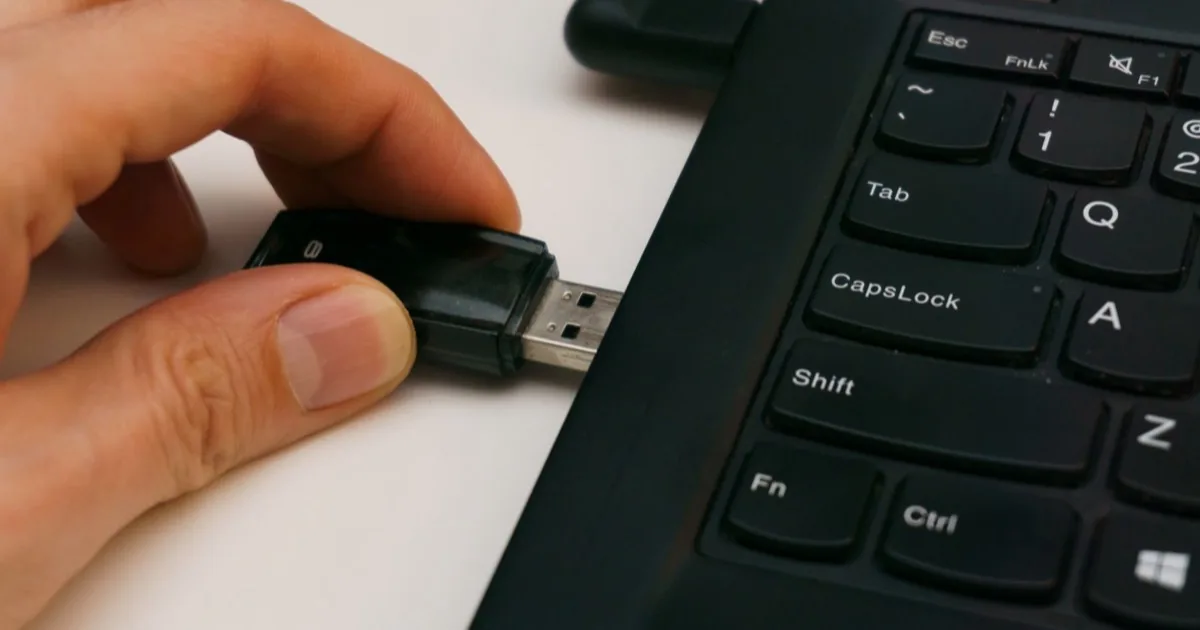
The scariest moment in switching password managers isn’t picking a new one, it’s the export. You click “export vault,” and your browser downloads a file containing every username and password you own, in plaintext, sitting in your Downloads folder. Then you import it somewhere else and hope you remember to delete the file.
Switching to a deterministic manager skips that step entirely. Instead of moving stored passwords, you replace each one with a freshly derived password as you go: log in with the old password, change it to the MoolKey-derived one, done. There’s no plaintext CSV to create, leak, or forget to delete. You migrate one account at a time, highest-value first.
Why the usual import is the risky part
A vault export is the single most dangerous artifact in your security life: a complete, unencrypted list of your credentials. People routinely leave these in Downloads or email them to themselves. Worse, importing carries your old habits forward: every weak or reused password comes along unchanged.
Switching by deriving fresh passwords fixes both problems at once. Nothing is exported, and every account ends up with a strong, unique password instead of whatever you had before.
The deterministic way: rotate, don’t transfer
Because MoolKey recomputes passwords rather than storing them, there’s simply nothing to import, a point we make in the deterministic vs vaulted comparison. Migration becomes a series of small, ordinary “change my password” actions, the same thing you’ve done a hundred times.
Step by step
- Set up MoolKey and choose a strong master key you’ll never forget. This is the one secret the whole system rests on.
- Start with your most important account: your email. It’s the reset hub for everything else, so it’s worth securing first.
- For each account: derive its new password in MoolKey, use the site’s “change password” flow to set it, and save the account’s masked metadata so MoolKey can remind you it exists.
- Work down your list over days, not minutes. There’s no big-bang import, so there’s no rush. Do the high-value accounts first and the long tail whenever you next sign in.
- Wind down the old manager once you’re confident, and securely delete any export you happened to make.
Modern NIST guidance says you shouldn’t rotate passwords on a fixed schedule, only when there’s a reason, so treat this as a single, deliberate switch, not a habit you’ll repeat.
What about secrets you can’t derive?
Be realistic about scope. MoolKey derives passwords and PINs; it does not store recovery codes, secure notes, or pre-existing keys, an honest limitation we cover in the problems with deterministic managers. Keep those wherever is appropriate for you; this guide is specifically about migrating passwords.
Leaving LastPass or 1Password specifically
You don’t need a vendor’s export file to leave it. To switch away from LastPass or 1Password, you only need to log in to each account and change its password to a derived one. The old vault becomes a checklist you work through and then delete, not a file you have to trust to a new home.
In short
- Deterministic switching uses no import file: you rotate, not transfer.
- That avoids a risky plaintext export and upgrades weak passwords as you go.
- Do email first, then work down by priority over several days.
- MoolKey won’t hold notes or recovery codes: plan for those separately.
Frequently asked questions
How do I switch password managers without importing? Replace each password instead of moving it: derive a new one in MoolKey, change the account to use it, and save the masked metadata. Repeat per account. There’s no export or import step at all.
Do I need to export my old vault? No. If you make an export as a temporary checklist, keep it only until you’ve switched every account, then delete it securely. The deterministic approach is designed so you never have to rely on that file.
Should I change all my passwords at once? No, go in priority order over a few days. Start with email and financial accounts, then handle the long tail as you naturally log in. There’s no deadline and no bulk operation to get wrong.
Will switching break my logins? Not if you change each password deliberately through the site’s own flow. You’re updating one account at a time and confirming it works, so there’s no risky mass migration that could lock you out.
Ready to switch without a scary export? Install MoolKey and start with your email, or see how it compares first.
Keep reading
How do password managers work?
How password managers save, fill, and encrypt logins, and why some managers derive passwords instead of storing them.
 Guides
How to share passwords with your partner safely
Sharing a Netflix login is not the same as sharing your email. A practical guide to which passwords to share, how to share them, and what to keep separate.