

Your name plus a birth year
It feels personal and memorable. People who know you may also know the ingredients.
Email, shopping, work, banking, cards. Every login asks for something different, so reusing what you can remember starts to feel practical. MoolKey helps every password and PIN stand on its own without keeping the whole list in your head.
Free foreverNo card requiredStart with one account
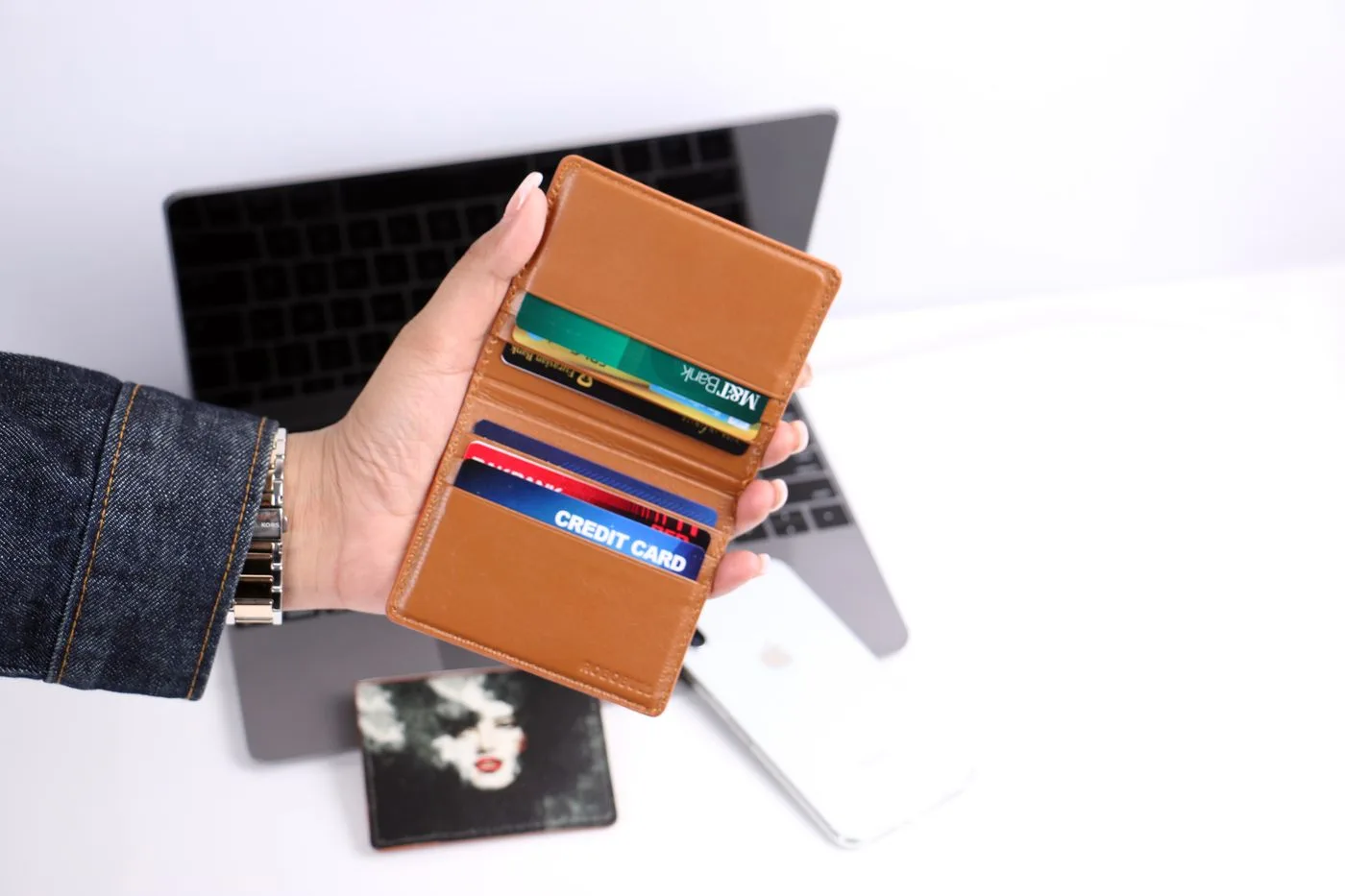
These choices are easy to remember because they come from your life. That is also what makes them easier to guess, repeat, and mix up.
You are not bad at passwords. There are simply too many of them.
It feels personal and memorable. People who know you may also know the ingredients.
The names closest to you are often the easiest ones for someone else to find.
Four familiar digits are easy to recall, but they were never meant to protect an account.
Important dates stay in your memory. They may also appear in messages, posts, or records.
Your hands remember the pattern. So do the people trying the most common PINs.
Repetition removes the memory work and much of the guessing work too.
Tiny changes pile up until you cannot remember which version belongs to which account.
One password or PIN now connects accounts that should never depend on each other.
Every login can have its own password. Every card can have its own PIN.
See the full problem listThe UK NCSC describes reuse, predictable choices, and easy-to-find notes as common ways people cope with password overload.UK NCSC password guidance
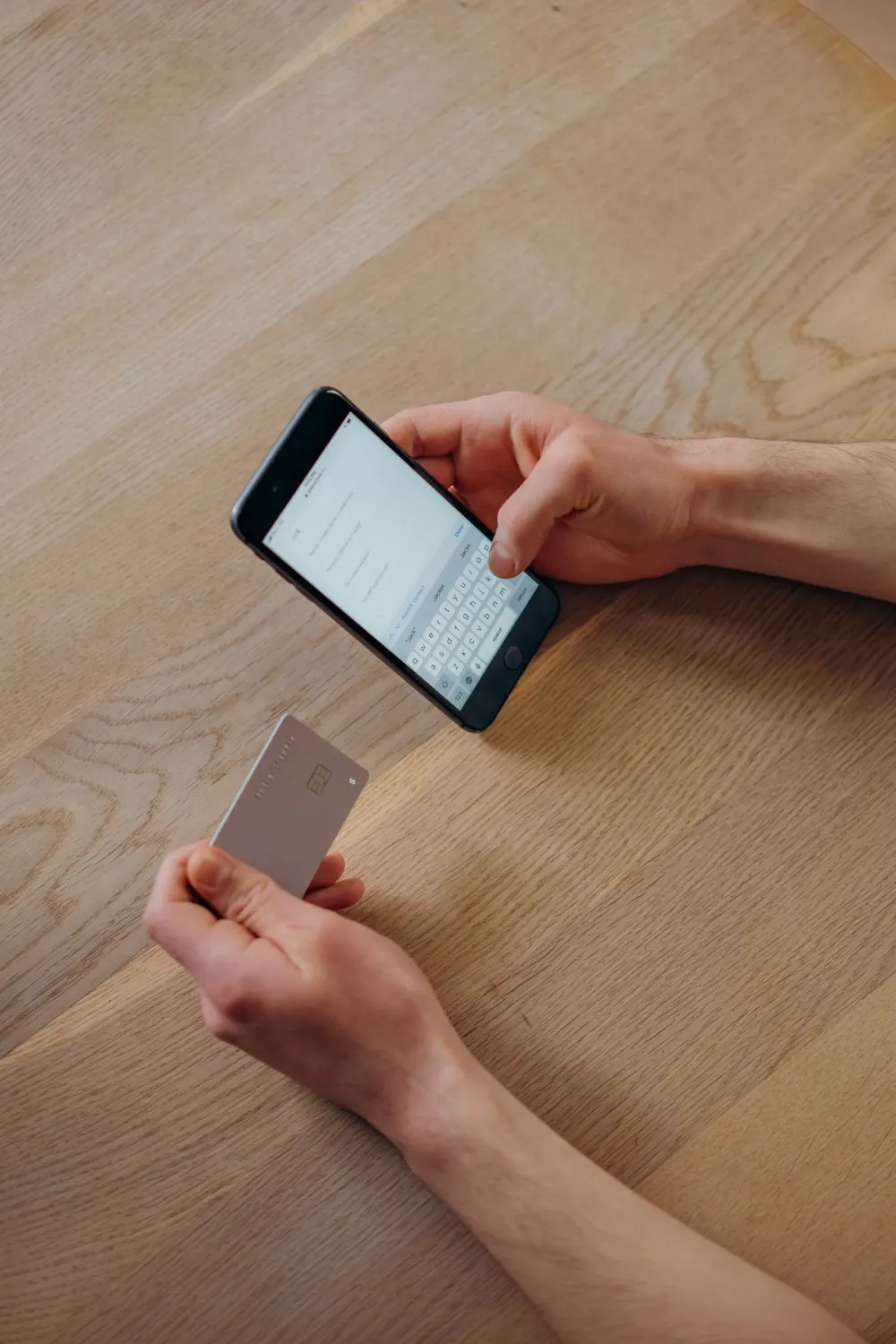
Banks use different names and rules, but the result can feel the same: several secrets for one relationship, before you even count your other cards and accounts.
Then, a few months later, a message asks you to change the login password again.
Reusing one PIN or changing only the last number feels practical because the alternative is another list to remember. MoolKey is built so each card and bank login can have its own answer.
Current NIST guidance says services should not force regular password changes unless there is evidence that a password was compromised.NIST SP 800-63B
Someone does not have to guess every account from the beginning. A password leaked by one service can be tried on the others. Reuse is what turns one old password into several open questions.
One account, one password. No shared answer between them.
The UK NCSC warns that passwords leaked in one data breach are used to attack other services where the same password was reused.UK NCSC password guidance
Strong password rules and human memory are often pulling in opposite directions. The form wants a random-looking string. Your brain reaches for familiar words, dates, and patterns.
Create a new password
It passes every rule on the form.
The exact capitals, numbers, and symbols blur.
A small change in the wrong place still fails.
Now there is another new password to remember.
A strong password can stay strong. Your brain should not have to memorize every one.
MoolKey takes the long password list out of your head, so you do not have to choose between something strong and something you can recall.
Modern NIST guidance tells services not to force a mix of character types or regular password changes.NIST SP 800-63B
Forgotten credentials are rarely convenient. You are usually in a hurry, on a different device, or opening an account you have not touched for months.
Tax, insurance, and utility logins sit untouched long enough for the exact password to disappear.
A browser saved it, but not in the phone or computer you have with you.
The device changed. The account still expects the same answer.
Travel, hotel Wi-Fi, a basement, or an outage can make an urgent login even harder.

Stop guessing before the account locks.
MoolKey keeps your login within reach on supported devices, including when you are offline after setup.
The UK NCSC notes that account lockouts can leave legitimate users unable to sign in and dependent on account recovery.UK NCSC password guidance
Every storage choice asks you to accept a trade-off. The problem is not that people do not care. It is that none of the familiar choices feels effortless.
Easy to open is also easy for another person with access to your device or desk to read.
Copies spread between chats, photo backups, downloads, and old devices.
The password may be saved, but not in the browser or device you are using now.
It can save and fill the whole list, while asking you to protect and remember its main password.
Traditional password managers are a strong choice for many people.
MoolKey is for people who want help with strong passwords and PINs without asking a service to save their password list. The trade-off: MoolKey does not autofill, and it cannot recover a forgotten private phrase.
The safer habit is simple to say: a different password for every login, and a different PIN for every card or device. MoolKey makes that habit practical across everyday life.
Use MoolKey for Email, Work, Bank, Debit card, Credit card, Shopping, Streaming, Social, Tax, Insurance, Utilities, Wi-Fi router, Phone lock, Voicemail and other accounts that require a password or PIN.
Use MoolKey everywhere you still need a password or PIN.
Start with the account you use most. Move the next one when you are ready. You do not need to fix everything today.
| No saved listMoolKeyManual copy and paste | Traditional password managersEncrypted storage and autofill | |
|---|---|---|
| What you remember | One private phrase | One manager password |
| Password list saved by the service | No | Yes, encrypted |
| Fills sign-in forms for you | Copy and paste | Usually autofills |
| Recovery if you forget the main phrase | No | Often available |
| Creates card and device PINs | Varies by product | |
| Works without internet | Yes, after setup | Usually, after sync |
| Everyday price | Free forever | Free or paid plan |
Traditional managers offer autofill and recovery. MoolKey trades those conveniences for no saved password list.
See the full comparisonUse MoolKey every day for $0. New accounts can try Pro for 30 days, then continue on Free Forever without a card or paid renewal.
Clear answers about separate passwords, card PINs, offline use, autofill, and the one trade-off you should understand before starting.
Yes. That is the habit MoolKey is built to make practical. Your email, bank, shopping, work, streaming, and other accounts can each have a different strong password without asking you to keep a separate password list in your head.
Start with the password you reuse most, or the card that still shares a PIN. Use MoolKey free, then move the next account when you are ready.
 MoolKey