

Do password managers store your passwords in memory?
Even zero-knowledge managers must hold secrets in RAM to use them. What actually lives in memory, why a KeePass bug mattered, and how MoolKey limits the window.
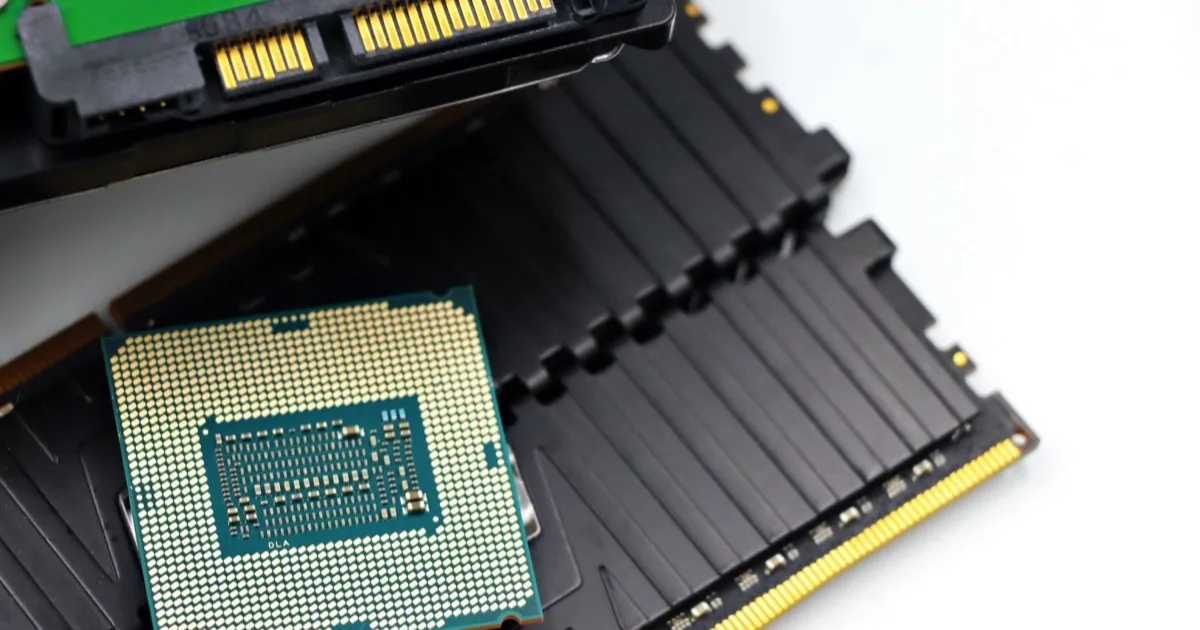
We talk a lot about where password managers store secrets at rest, on disk, in a vault, on a server. There’s a quieter place every one of them must use, and it’s the one attackers increasingly care about: your computer’s memory.
Every password manager holds your secrets in RAM at the moment it uses them. That much is unavoidable. There’s no way to decrypt or derive a password without it briefly existing in plaintext somewhere. The questions that actually matter are how long it stays there, whether it’s also written to disk, and what an attacker with local access could scrape. MoolKey is built to minimize all three.
Why memory is unavoidable
To show you a password, fill a form, or hand it to your clipboard, a manager has to turn ciphertext (or, for MoolKey, your inputs) into the real plaintext password. For that instant, the secret exists in RAM. This is true of vaulted managers, browser managers, and deterministic ones alike, since it’s a property of using a secret at all, not a flaw unique to any tool.
So “is it in memory?” is the wrong question. “For how long, and how exposed?” is the right one.
The KeePass lesson
In 2023, a researcher showed that the popular KeePass 2.x could leak its master password from process memory, recoverable from a memory dump even after the database was locked, tracked as CVE-2023-32784. The project shipped mitigations, and the separate KeePassXC was not affected.
The takeaway isn’t “KeePass is bad”, it’s a reputable, audited tool. The takeaway is that how carefully and how briefly a secret sits in memory is a real security property, not an afterthought.
What lives in memory with MoolKey, and for how long
MoolKey’s whole design shrinks the memory footprint:
- Your master key exists in memory only while it’s being used to derive, and is wiped within about a minute of use.
- A derived password exists while you can see it or until you copy it; close the view and it’s gone, because it was never persisted.
- Nothing is written to disk: there’s no vault file to dump, no local database to scrape later.
The shorter a secret’s life in memory, and the smaller its footprint on disk, the smaller the target you present. That principle is the entire point of a nothing-stored design.
The clipboard counts too
Honesty matters here. When you copy a derived password, it lives in your clipboard until something overwrites it, a real, if brief, exposure, and one shared by every manager that lets you paste. MoolKey’s manual copy-and-paste model makes that step visible rather than hiding it behind autofill (which touches memory and page context of its own). Clear your clipboard after sensitive pastes, and don’t leave secrets sitting on it.
The limit nobody escapes
We won’t pretend otherwise: no client application fully escapes a privileged local memory dump while a secret is actively in use. If your device is already compromised at that level, every password manager is in trouble, MoolKey included. What a good design can do is reduce dwell time, avoid writing secrets to disk, and never park a master key on a server. That is what MoolKey does. It can shrink the window dramatically; it can’t repeal physics.
In short
- Every manager must hold secrets in RAM the moment they’re used.
- The KeePass CVE showed that memory handling is a genuine security property.
- MoolKey wipes the master key within about a minute and writes nothing to disk.
- The clipboard is a real, brief exposure: clear it after sensitive pastes.
Frequently asked questions
Do password managers store passwords in RAM? Yes, briefly and necessarily. A password has to exist in plaintext in memory at the moment it’s decrypted, derived, or filled. The difference between tools is how long it lingers and whether it’s also persisted to disk.
Can someone dump my password from memory? With privileged local access or malware running as you, potentially. The KeePass CVE-2023-32784 case is a real example. This risk applies to any manager; minimizing how long secrets stay in memory is the defense.
Does MoolKey write my passwords to disk? No. There’s no vault file and no local secret store. Passwords are derived on demand and exist only transiently in memory, which is why an infostealer rummaging through your files finds nothing to take.
How long is my master key in memory? Only while it’s being used to derive, after which it’s wiped within about a minute. It’s never written to disk and never sent to a server, so its exposure window is deliberately tiny.
This is the missing layer beneath “nothing on a server”: nothing on disk, and as little in memory as possible. See how the whole model fits together, or read why 600,000 iterations guard the master key while it’s in use.
Keep reading
 Engineering
Why 600,000 iterations? PBKDF2, explained
A technical look at why MoolKey pauses briefly, what PBKDF2 does, and why repeated work makes large-scale guessing more expensive.
How do password managers work?
How password managers save, fill, and encrypt logins, and why some managers derive passwords instead of storing them.